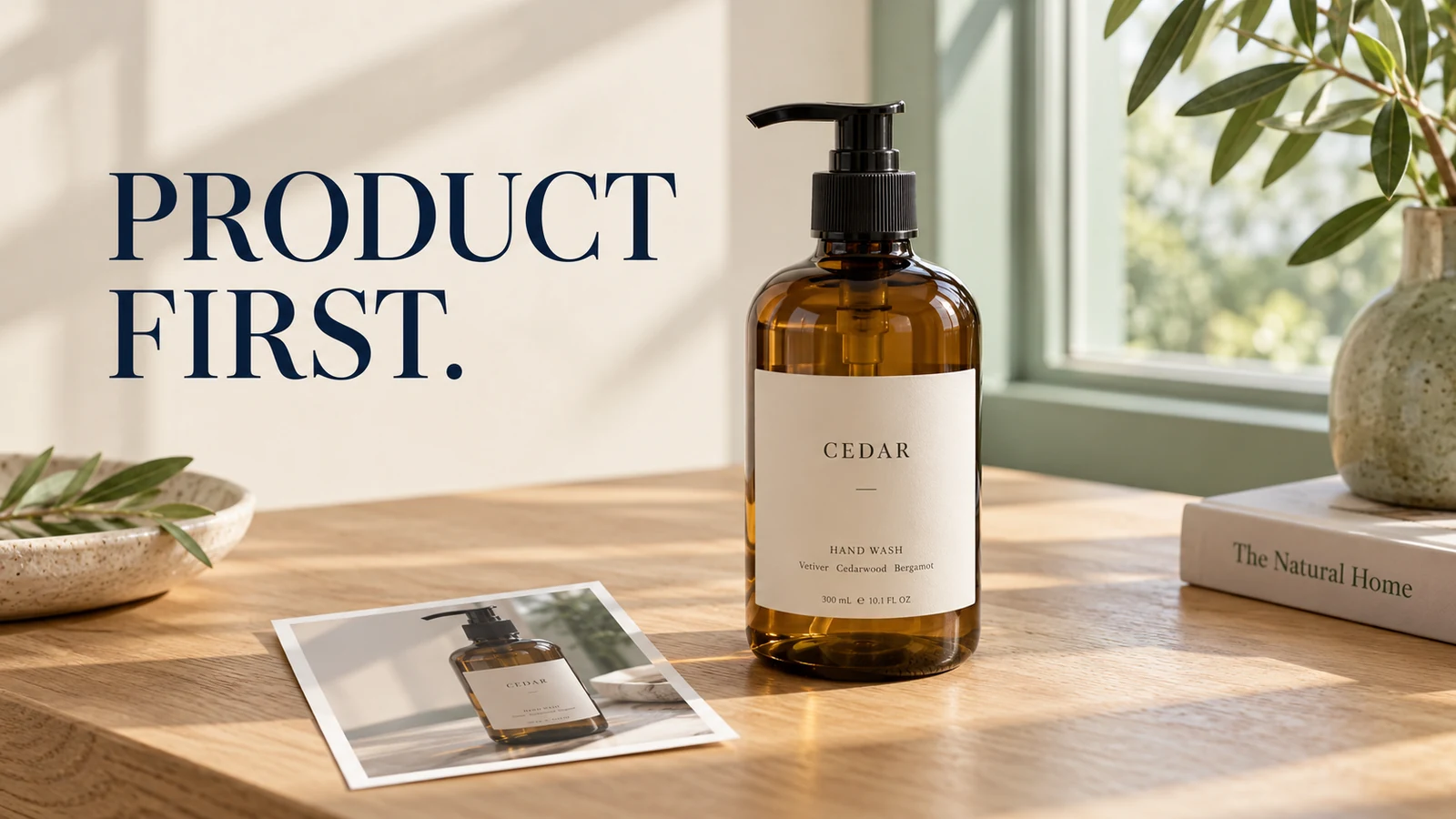
A cleaner background does not rescue a product photo if the pump becomes shorter or the label changes. When using the ChatGPT photo editor, judge the product before judging the scene: compare its outline, wording, and surface with the original. If any of those fail, return to the trusted source rather than polishing the altered version.
This guide uses a small packaged product as a reference-checking exercise. The illustrations show details to inspect, not a benchmark proving that a particular prompt preserves every pixel. The aim is a usable shop image whose attractive styling does not hide a different item.
Name the Failure Before Asking for Another Edit
ChatGPT product photo editing can fail in several ways that need different responses. A misplaced shadow is not the same problem as a rebuilt cap, and a plausible label is not necessarily the original label.
What changed | Compare with the original | Better next request |
|---|---|---|
Shape | Width, cap, handle, corners, silhouette | Reduce the edit area and preserve the original viewpoint |
Label | Exact letters, spacing, symbols, small print | Protect the label or restore it from the original asset |
Material | Gloss, transparency, grain, texture | Remove restyling language and name the existing finish |
Placement | Base position, contact shadow, crop | Correct the scene around the product before regenerating it |
My priority is not getting the model to describe its own result confidently. It is making the result easy to reject when the product no longer matches the source. A visual checklist gives you stronger evidence than a reply saying the details were preserved.
Build a Reference That You Can Actually Verify
Choose the highest-quality photograph you have, with the entire product visible. If a cap is cropped off or tiny print is unreadable, the image cannot serve as reliable evidence for those missing details. Find another frame before asking the model to supply them.
Write down three or four distinctive features. For a packaged bottle, these might be a stepped pump collar, a rectangular cream label, a dark glass edge, and a particular line of text. For a handmade mug, choose the handle shape, rim profile, glaze variations, and maker's mark.
Photograph missing reference details again if necessary.
Keep that reference beside the output throughout the edit. A ChatGPT image editing reference photo should remain the source of truth, not simply the first item in a long chain of generated revisions. Save an untouched copy outside the conversation so you can return to it without hunting through versions.
For a set of products, give each source and its notes a stable filename. Do not compare one size of a bottle with another size just because the labels look similar. An incorrect reference can make a faithful edit appear wrong, or allow a changed product to pass because the comparison was never controlled.
OpenAI's image-generation guidance explains using attached images as references for editing. Account tools can change, so use the editing controls actually available to you rather than assuming every interface includes the same selection options.
When the Shape Changes, Reduce the Job
If you want a quieter background, ask for a quieter background. Adding a new camera angle, different lighting, a slimmer silhouette, and a new surface in one request makes it difficult to identify why the item changed.
To edit product photos with ChatGPT, start with one bounded change. If selection is available, mark the background rather than the product. If it is not, describe the target by location and explicitly identify the object that must remain unchanged. Neither approach removes the need to check the surrounding image.
Use this starting brief:
Edit only the background behind the product to a plain warm-gray wall. Keep the existing product, viewpoint, scale, position, cap shape, label, material, and lighting unchanged. Do not create a new product or add props. Keep the full item inside the frame.
This asks ChatGPT to keep the product unchanged; it does not create a technical lock. If the next result has a new cap, reject it and retry from the original with a smaller target. Do not ask the already changed cap to become “more accurate” without reintroducing the reference.
Treat Labels as Exact Information
ChatGPT product label preservation needs a stricter standard than general visual resemblance. A brand name can look convincing while one letter changes, a volume figure disappears, or spacing alters the packaging design.
Read the label against the original, line by line. Inspect logos, unit symbols, numbers, and small marks separately. If the source print is too small to read, enlarging the output does not establish that the generated wording is correct.
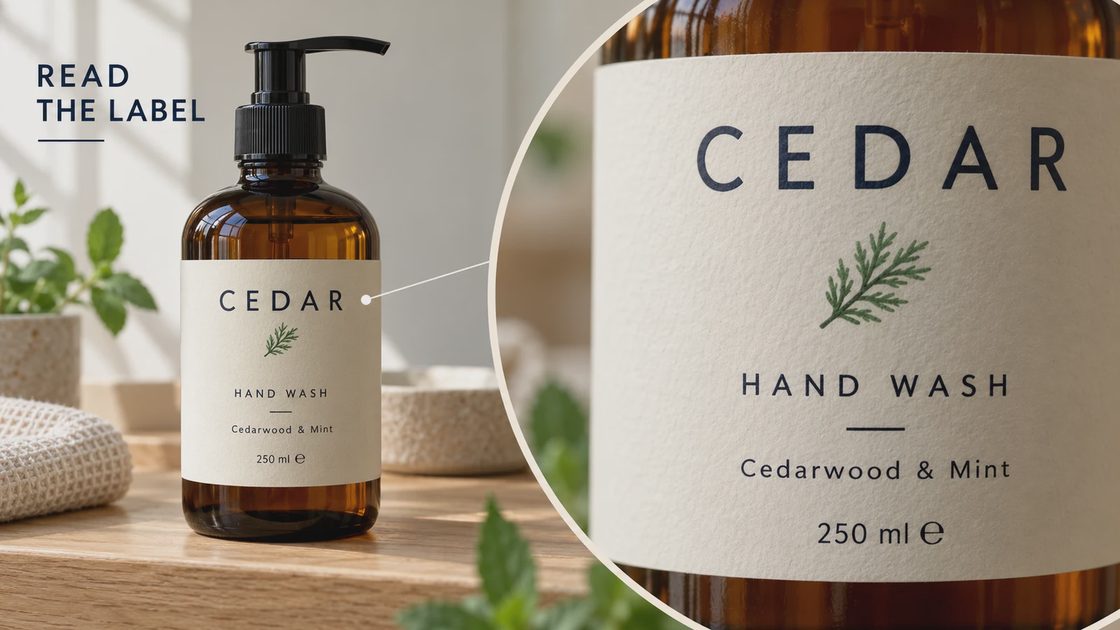
For a listing, keep an approved label asset or unobstructed product photograph available. If the label has been rebuilt, a conventional editor may be the faster finishing route: retain the original product or accurately place the approved asset, checking perspective and curved surfaces. Do not replace distorted words with newly invented copy.
A purely generated package can be useful for an internal concept, but it should not silently become the photo used to describe the item customers receive. Keep concept images and approved listing assets in separate folders.
When the Material Changes, Remove the Styling Conflict
Phrases such as “luxury,” “perfect,” or “ultra-clean” can leave room for changes to the finish. If brushed metal becomes chrome or linen becomes smooth fabric, examine the brief before adding stronger preservation language.
State the existing material concretely: matte ceramic with small glaze variations, transparent amber glass, coarse woven cotton, or brushed aluminum. Describe the requested change separately. A background edit should not also request a more polished product unless that is an intentional concept exercise.
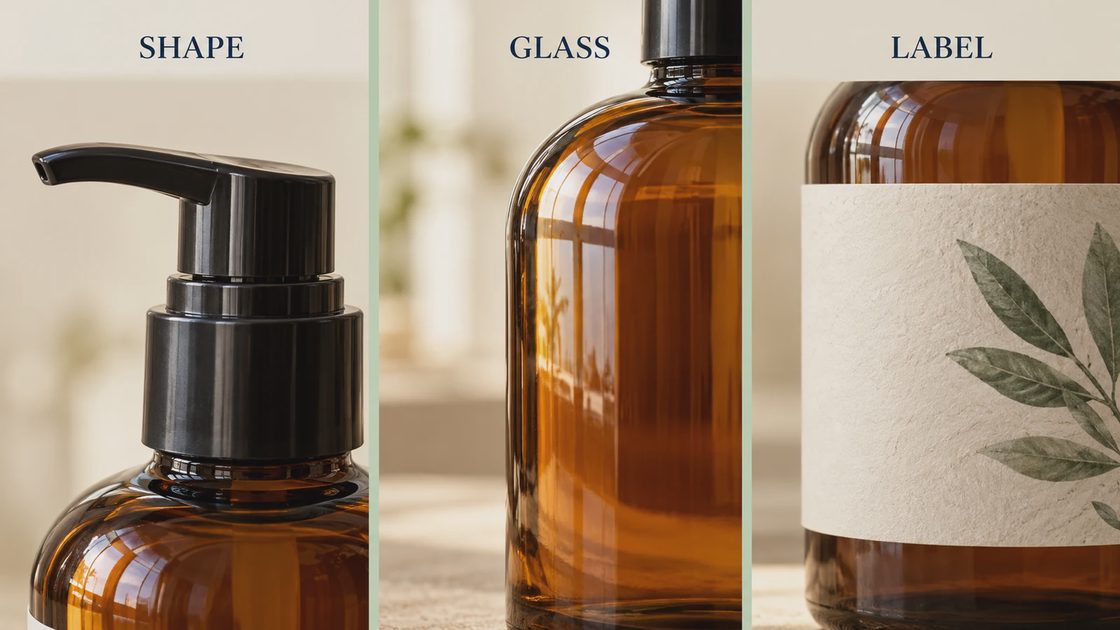
Check highlights and transparency as well as texture. A matte object should not acquire sharp mirror reflections simply because the scene looks more professional. Glass needs believable edges and transmission, not just the correct brown color.
ChatGPT product photography is most useful when you can distinguish a lighting adjustment from a material substitution. If the item now seems shinier, smoother, heavier, or differently shaped, that is a substantive change even when the main color remains close.
Use Revision Prompts That Describe an Observable Defect
The most useful ChatGPT product photo editing prompts connect one failure to one correction. Avoid a growing paragraph of general praise and prohibitions that leaves the actual problem unspecified.
Changed shape: “Return to the attached original. Keep the pump and bottle outline exactly as shown; change only the wall behind them.”
Altered finish: “Retain the original matte ceramic surface and small glaze variations. Do not make it glossy.”
Changed label: “The label wording has changed. Use the original product image as the reference; do not rewrite or redraw the packaging.”
These are directions to try, not guarantees. If exact packaging fidelity is essential and the model keeps rebuilding it, preserve the photographed foreground and generate only a background that you can composite around it. A different workflow is often more useful than a longer prompt.
Do not spend another generation merely because the result is close. First decide whether the remaining error matters to the intended use and whether you have evidence to correct it. A changed product dimension matters much more than a slightly different wall texture.
Approve the Product Before Approving the Campaign
Use two separate decisions. First ask whether the item still represents the original. Only then judge whether the image fits the campaign's color, composition, and available copy space.
Check both normal display size and enlarged details. A small output can hide label errors; an enlarged view can exaggerate harmless differences in background grain. Keep the crop consistent so you are comparing the same features rather than a more flattering presentation.
Save the original, final prompt, rejected versions, and approved export. Record the actual number of attempts and any cost shown by your account rather than guessing an average. This turns a one-off edit into a process you can repeat for the next product.
Before sending the image to a listing or designer, name one shape feature, one label detail, and one material feature that must match. If you cannot confirm all three from the source, the image is still a concept rather than an approved product asset.